Network and Sharing Center – Windows 10

Written by

in

Network and Sharing Center

How do you find the Network and Sharing Center in Windows 10?

  1. Press the ‘Start’ button
  2. Type ‘Control Panel’ and click the shortcut to Control Panel
  3. Click ‘Network and Internet’ (skip this step if your ‘view by’ isn’t set to ‘category’)
  4. Click ‘Network and Sharing Center’

Applies To: Windows 10


The Network and Sharing Center can be a bit hard to find in Windows 10, and there’s several ways to find it. The quickest way is by following the instructions above.
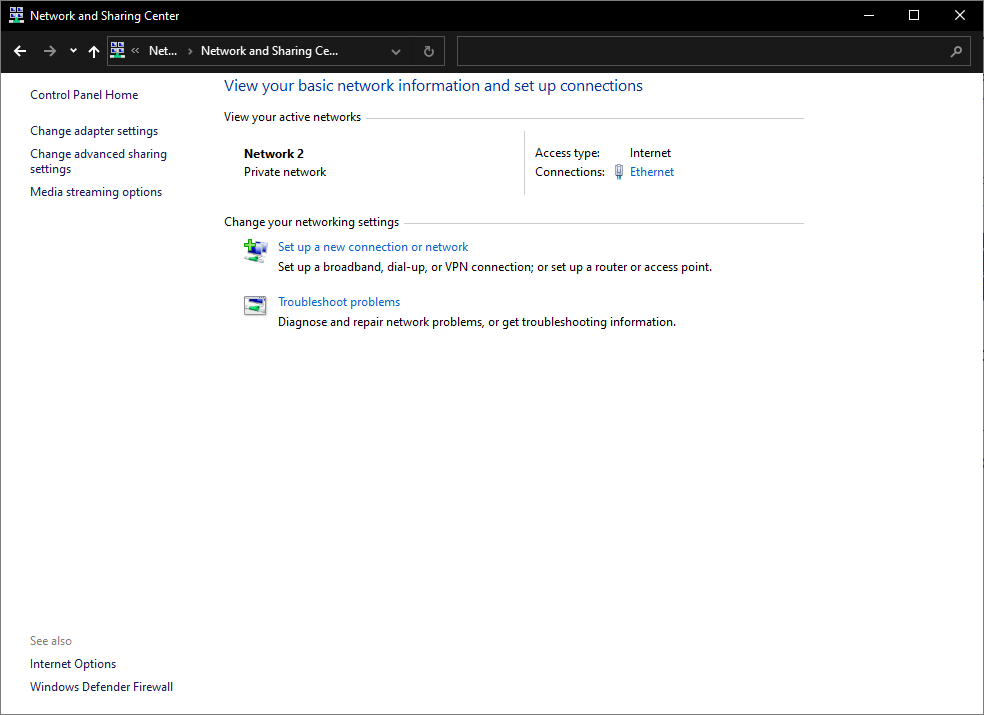
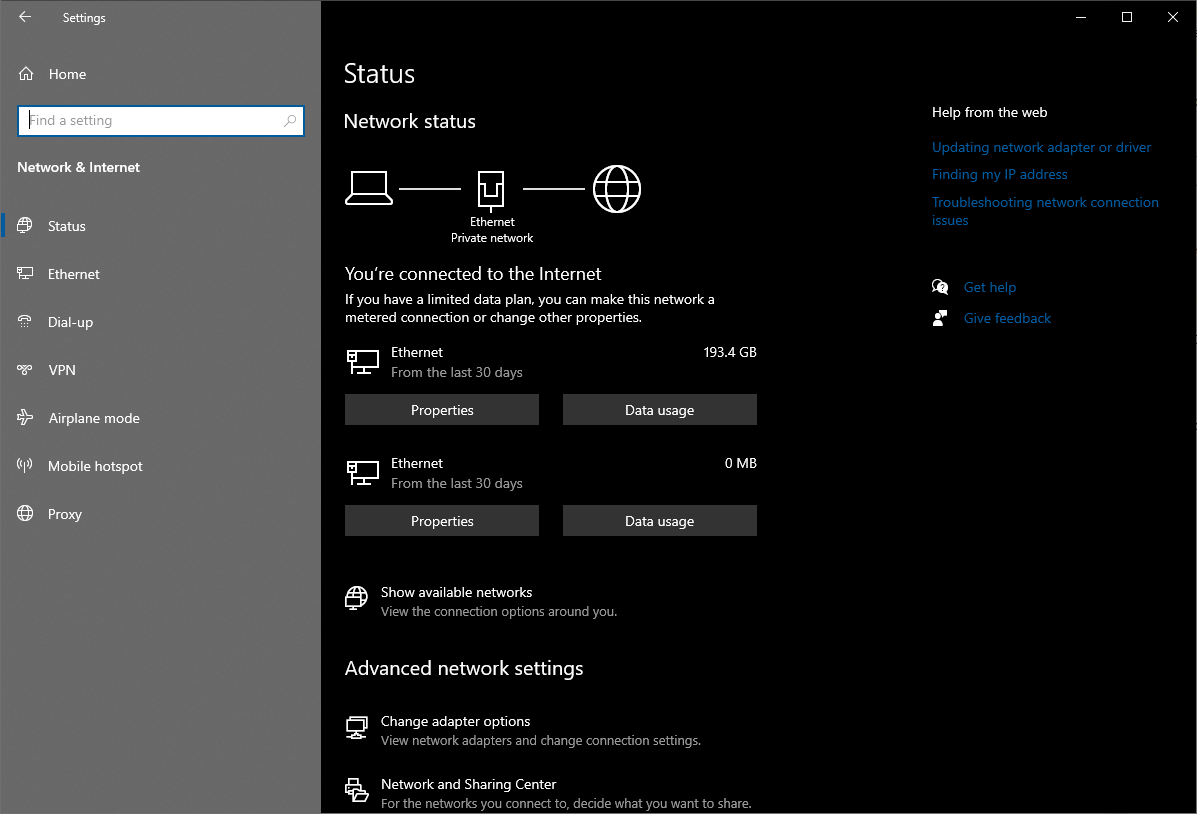
The Network and Sharing Center is part of the classic Windows Control panel, and being replaced by the more modern Network area of Settings:
Comments

6 responses to “Network and Sharing Center – Windows 10”

  1. colette bohlmann

    How can I get the items in One Drive in my old computer onto my new computer?

  2. Curt & Jane Thiel

    I have an HP Officejet Pro 8600 that I cannot get to connect to my computer.

  3. DeWalter White

    I have an HP Envy Photo 7855 Scanner/Printer. The computer icon shows up as connected (wired) in my Folder drop down menu. But when I click on that folder it shows as nothing there. The printer can print from the flatbed but won’t scan. Went to MS Help, MS Scan Doctor for a app. to download some missing software (which wasn’t necessary on my Windows 7 PC) and the download timed out after 30 mins. BTW HP Help Virtual Assist couldn’t find it’s own printer in it’s data base.

  4. Mike Martisko

    These morons don’t make anything new, they just move stuff around and rename it, and add more settings that you have to figure out to get the same experience you got with your previous system. Again, nothing new, just added features you had before, only now, you have to find them and try to make them work.

  5. DELL FULLER

    How do I add a new netrwork on y coputer

  6. DELL FULLER

    JUST ANSWER MY QUESTION….. .HOW DO I ADD A NEW NETWORK TO MY COMPUTER?

Leave a Reply

This site uses Akismet to reduce spam. Learn how your comment data is processed.

Discover more from AdamFowlerIT.com

Subscribe now to keep reading and get access to the full archive.

Continue reading