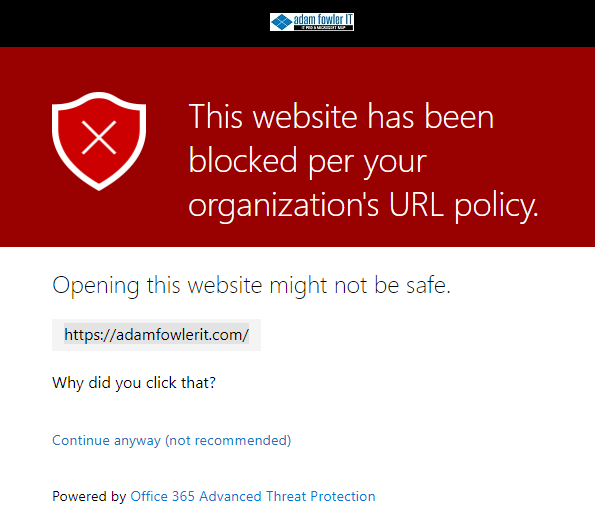
Two new little features have turned up for Safe Links as part of the Microsoft 365 Security & Compliance suite.
- Display the organization branding on notification and warning pages
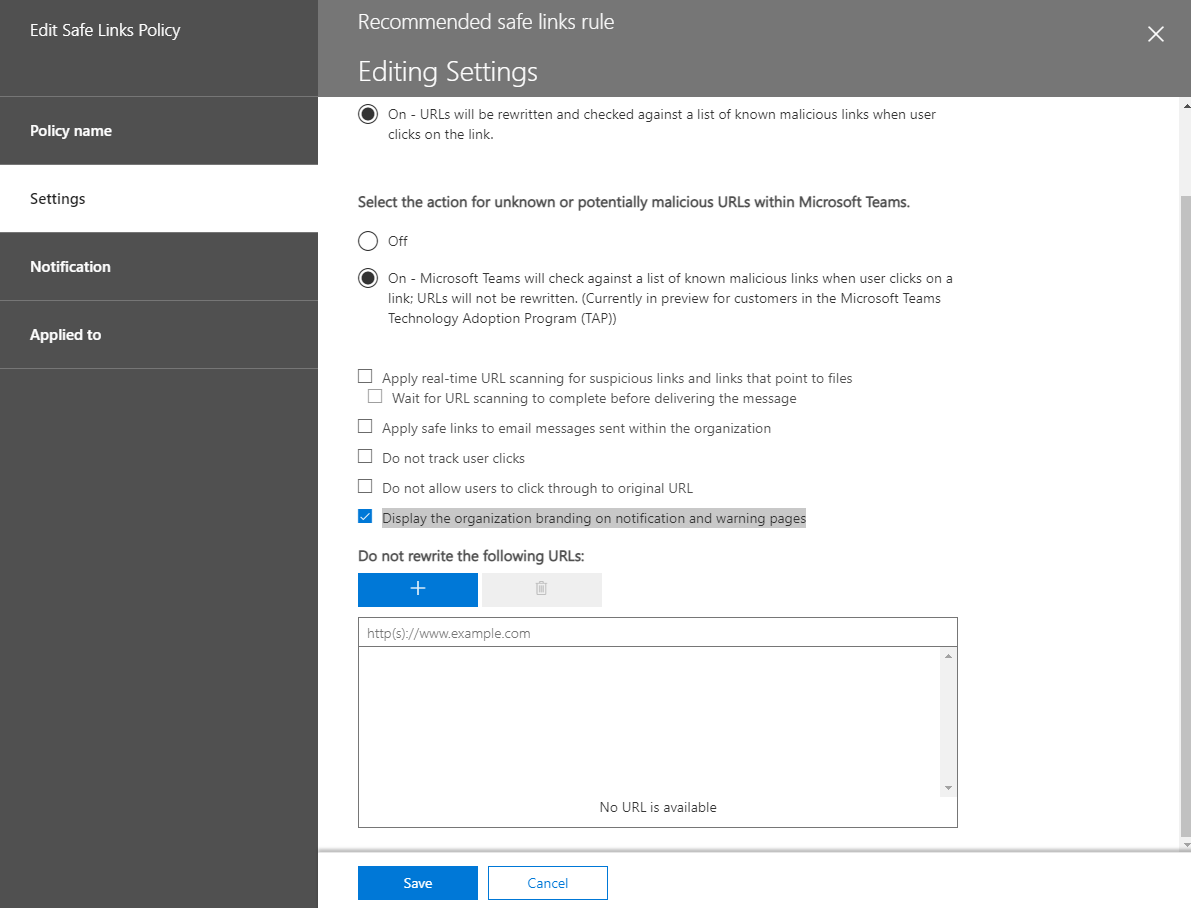
The first option is to show your organization’s branding on warning pages. This should help users identify that it’s a legitimate warning they’re seeing, as default Microsoft warning pages are often used by malicious actors to look legitimate themselves.
- Use custom notification text
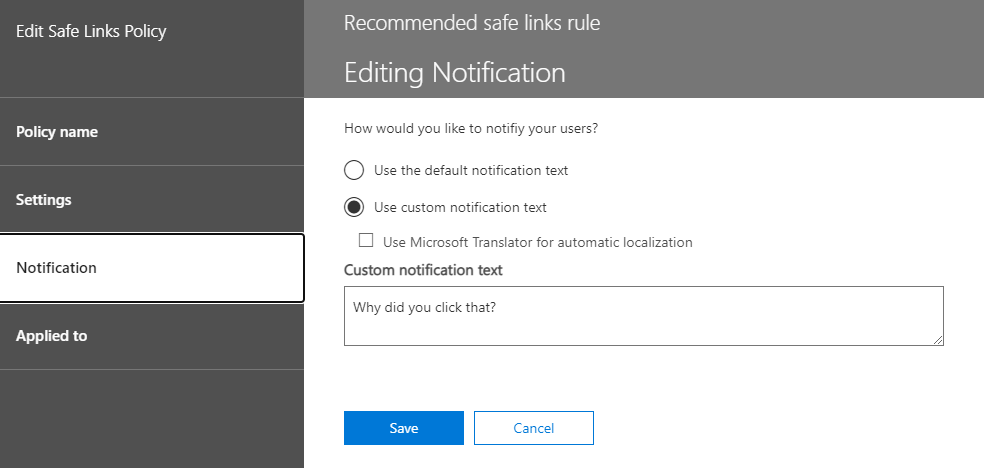
This lets you put a message that sounds like it’s actually from your own company when a webpage gets blocked. This means you can put in contact details or a process you want users to follow when they hit a site – which could be sending an email or calling helpdesk.
Here’s how the custom text and logo looks on a blocked page:
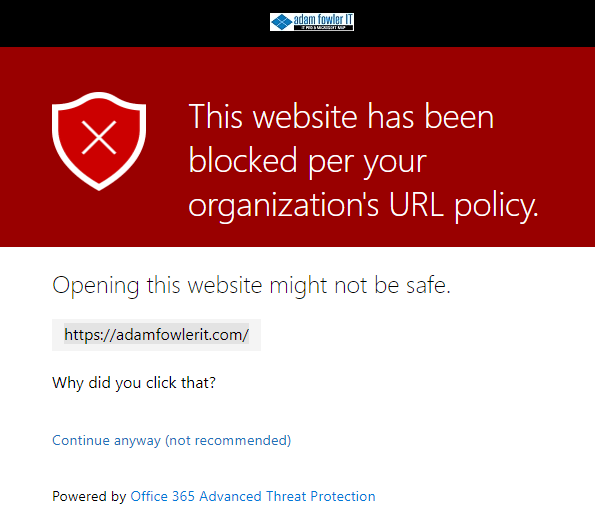
The custom branding will appear above this warning as a banner and a small logo for your company.
If you haven’t set up branding already, have a read on Microsoft Docs on how to do it for Azure AD and Microsoft 365 (do both!).
Leave a Reply