
A feature that’s popped up in IE11, is the little Edge icon next to the new tab icon. Not something I’d want in the enterprise space:
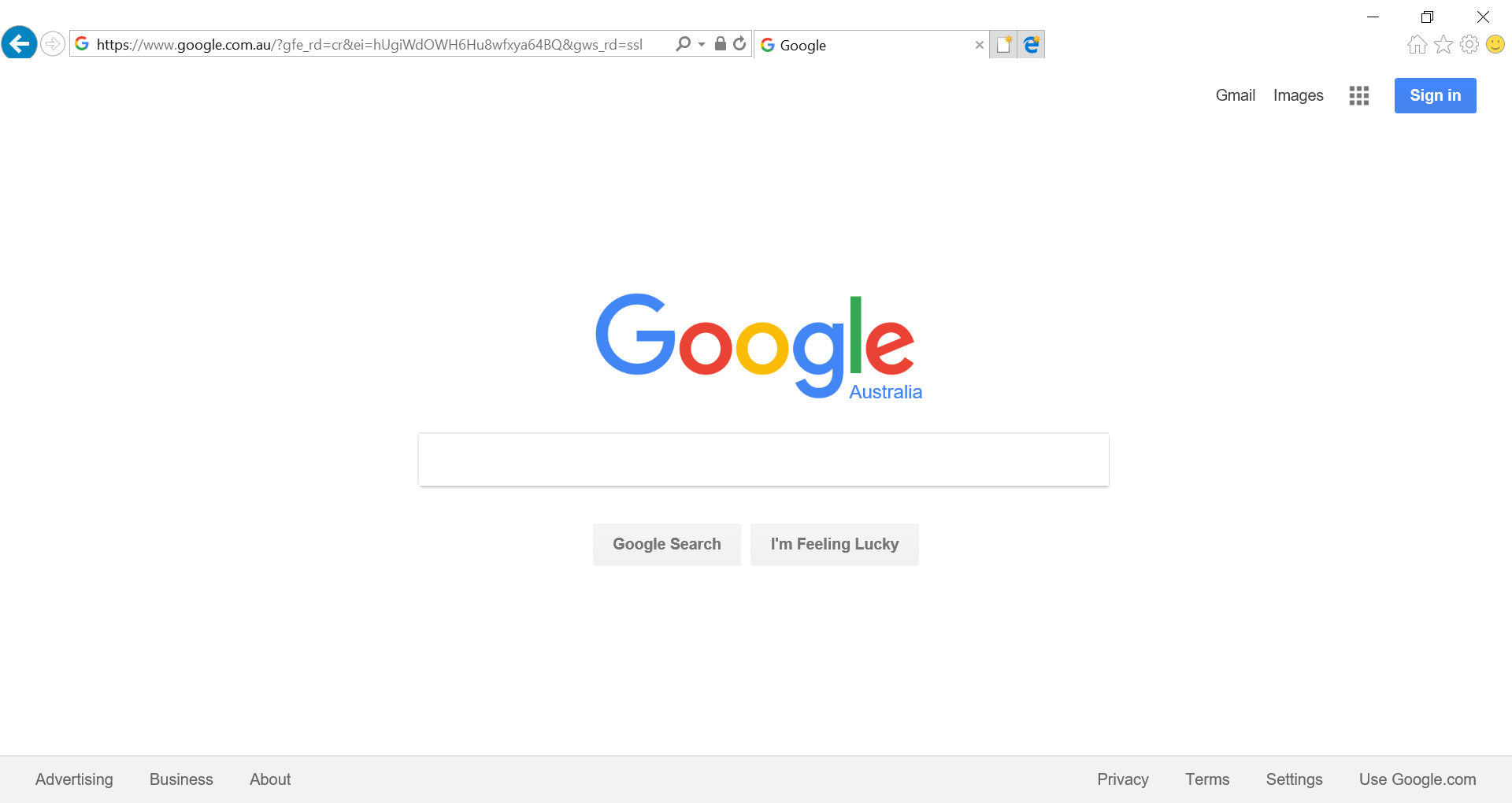
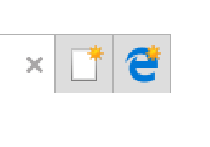
Thankfully, it’s easy to disable. There’s a group policy policy called “Hide the button (next to the New Tab button) that opens Microsoft Edge” which can be found in User Configuration\Administrative Templates\Windows Components/Internet Explorer\Internet Settings\Advanced Settings\Browsing\ .
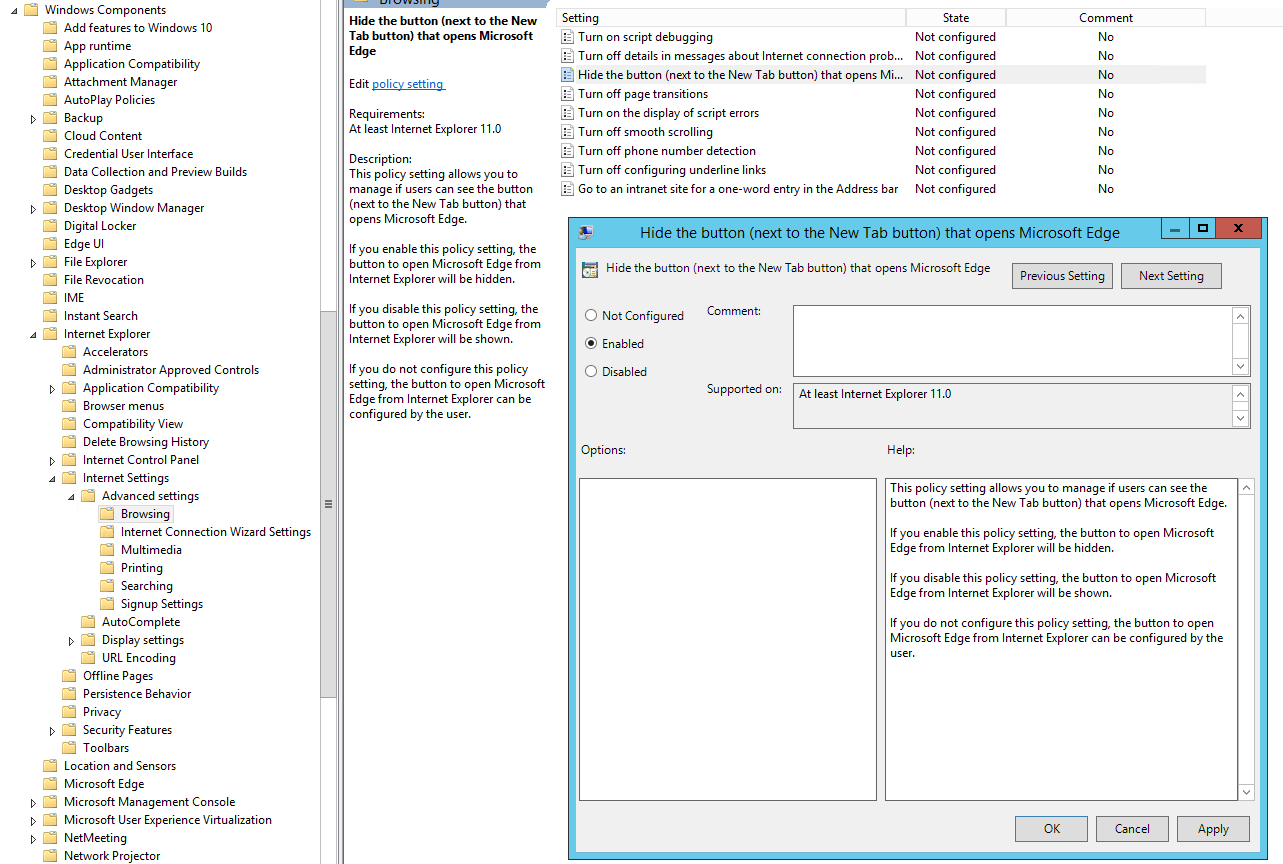
If you can’t see this policy, make sure you have the latest ADMX files from Microsoft – Windows 10 1703. If you haven’t had much to do with adding ADMX files to your environment before – they should be centralised, and Microsoft have a great guide you can follow.
Bonus tip – If you have internal sites that use a single word (e.g. intranet) you can enable the policy “Go to an intranet site for a one-word entry in the Address bar” which will check for an internal site starting with that name before using the word in your default search engine. This one’s actually an old policy that I hadn’t noticed before!
Leave a Reply